My room felt boring one night, so I grabbed my Arduino Uno and started my LED Mode Light project—my first stab at coding something cool! I wanted to use a TV remote to change lights to any color I felt like, turning my desk into a glowing party. It’s so fun seeing it shine!
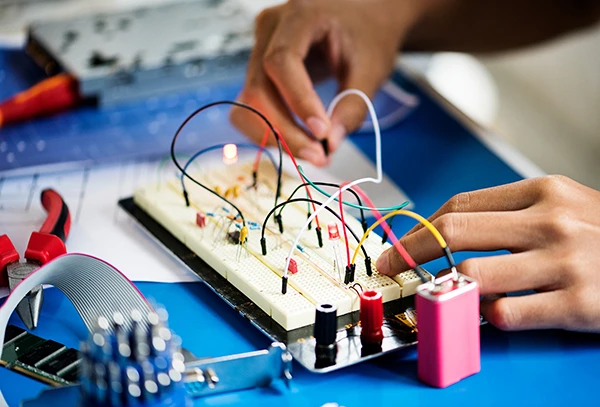
I wired up red, green, and blue LEDs to pins 11, 10, and 9, and plugged an IR sensor into pin 3. My code kicked off with #define USE_IRREMOTE_HPP_AS_PLAIN_INCLUDE and #include , setting pinMode(red, OUTPUT) for each LED in void setup(). In void loop(), when I press a remote button—if (IrReceiver.decode())—it reads a code like 4077715200 and switches colors with analogWrite. One button makes red glow full blast—analogWrite(red, 255), analogWrite(green, 0), analogWrite(blue, 0)—another mixes purple with analogWrite(red, 255) and analogWrite(blue, 255). The IR codes got jumbled at first, but I matched them right, and now I beam when my room lights up blue!
I’m stoked to level it up next time! Maybe I’ll add a flicker for a disco vibe, or try a button to save my favorite color. I could even make it pulse to music somehow! I really enjoy coding this with my Arduino, and I can’t wait to show my friends how my lights steal the show!




 Attend our in-person Robotics & Math